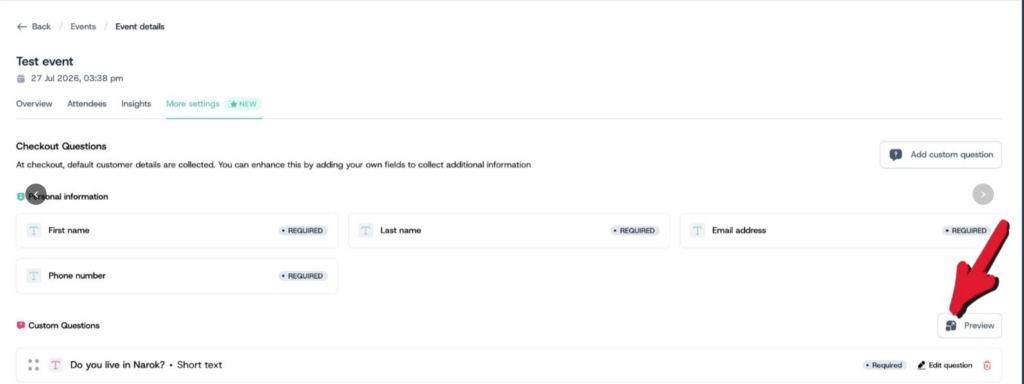
After saving a question, you are taken back to the More Settings page where you can manage all the custom questions you have set up for that event.
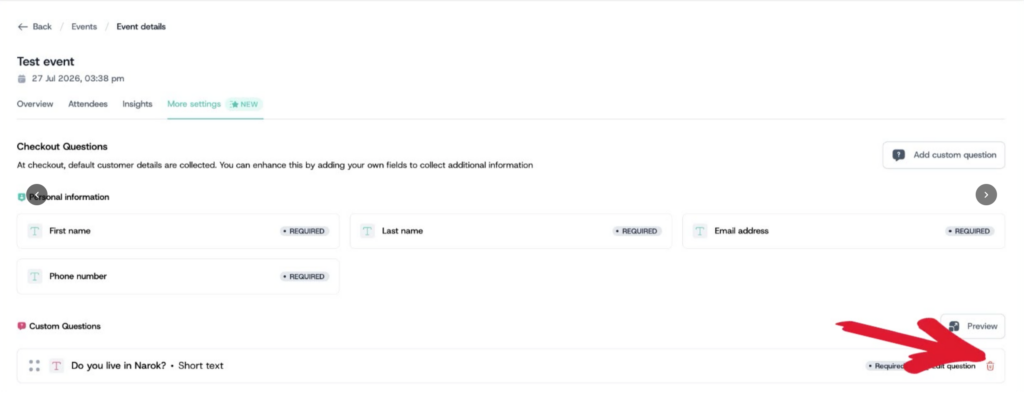
How to Delete.
- To delete a question, click the delete icon next to the question you want to remove.
How to Rearrange.
- To rearrange the order questions appear at checkout, drag and drop them into your preferred order.
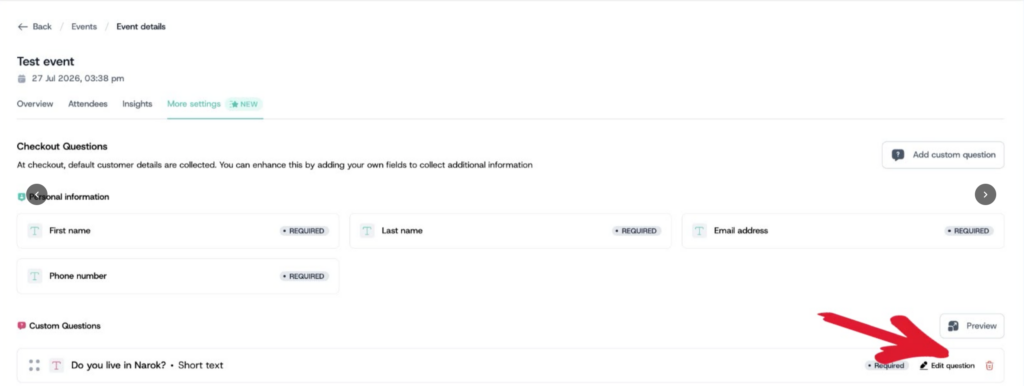
How to Edit.
- To edit a question, click Edit Question. This takes you back to the setup page where you can make any changes and save.
- Once you’re happy with your questions, click the Preview button to see exactly how the checkout will appear to attendees before the event goes live.