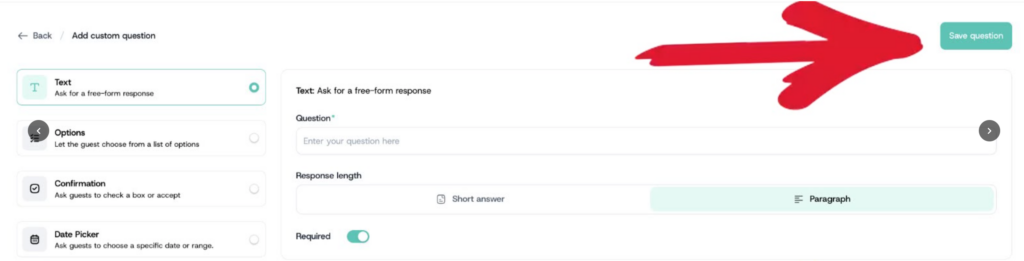
Use a text field when you want attendees to type a written answer.
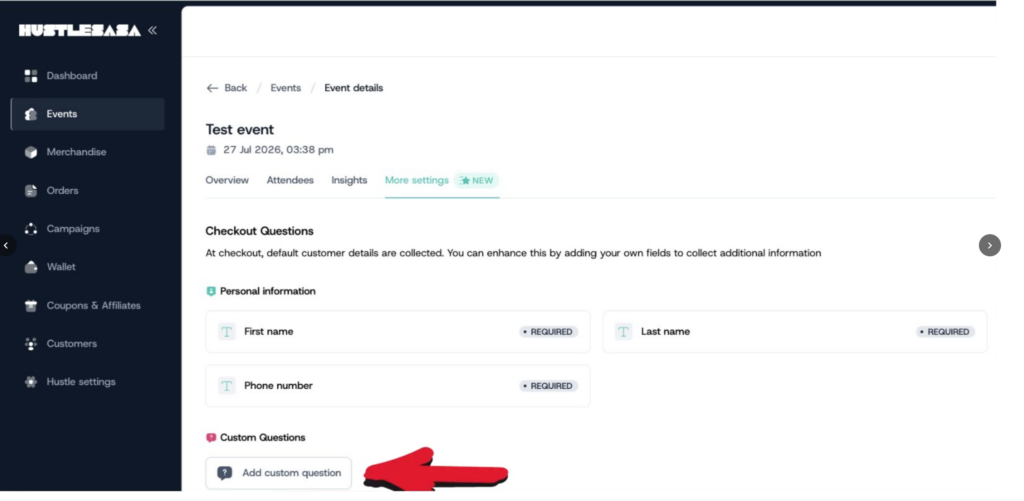
- Scroll down to find the Custom Questions section and click Add Custom Question.
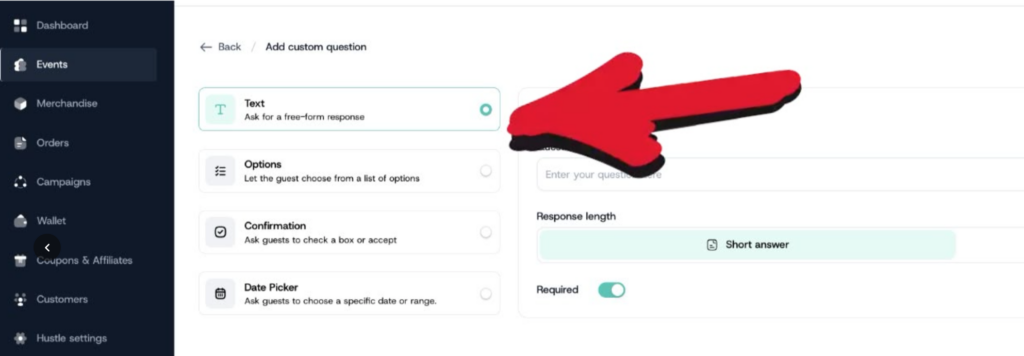
- Click Text from the field type options on the left.
- Enter your question in the question field
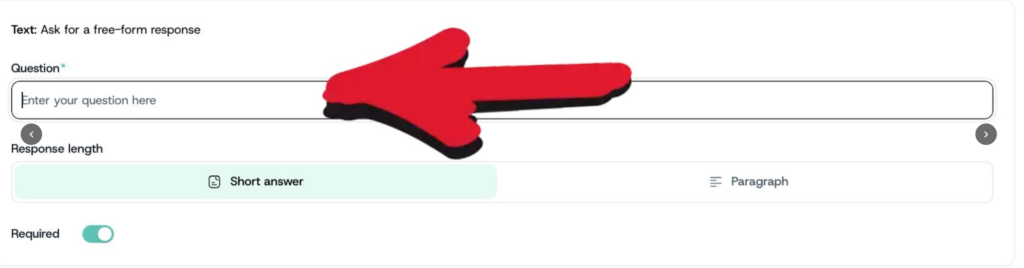
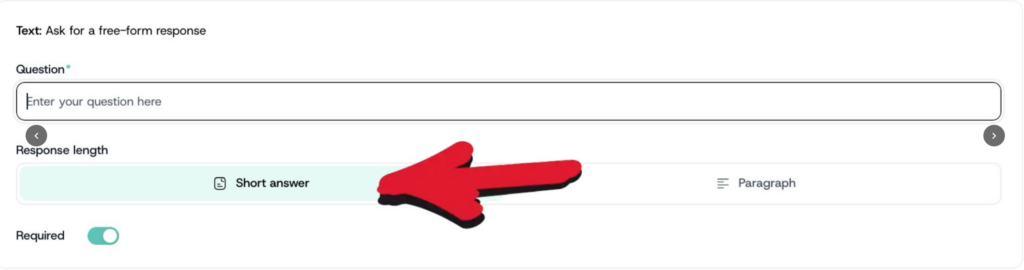
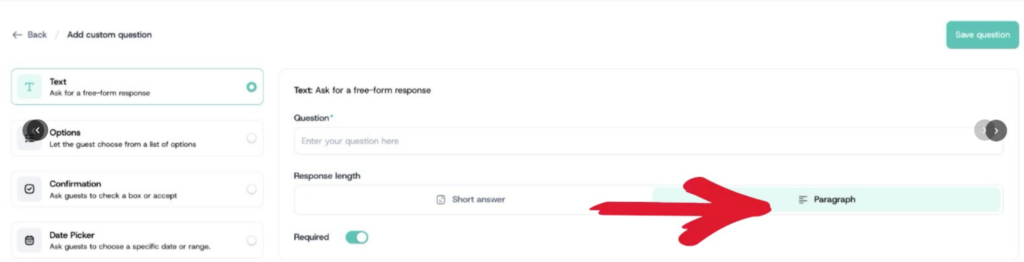
- Choose the answer type: select Short Answer if you expect a brief response (a few words), or Paragraph if you expect a longer written response.
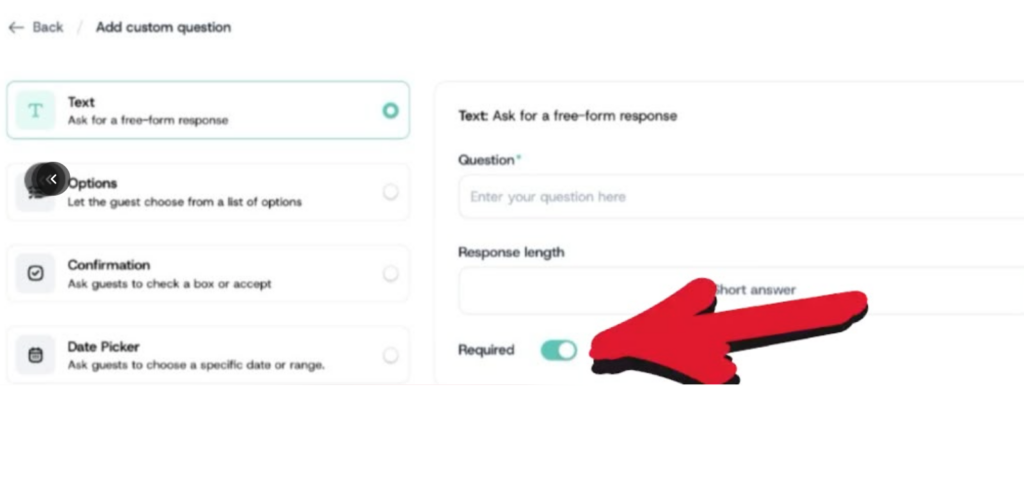
- Toggle the Required button on if attendees must answer this question before completing checkout, or off if it’s optional.
- Click Save Question.