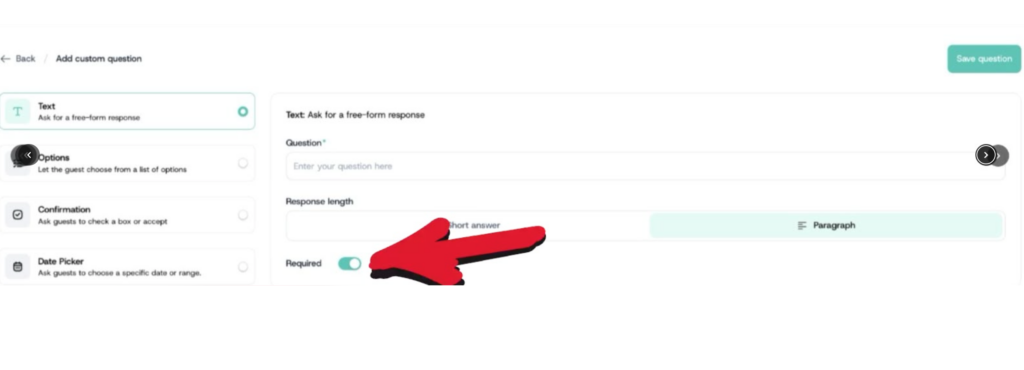
Use the options field when you want attendees to select from a predefined list of answers.
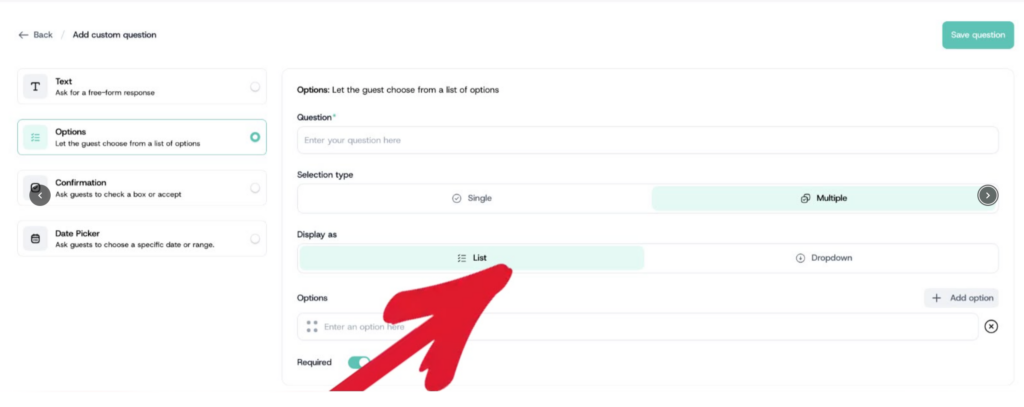
- Click Options from the field type options on the left.
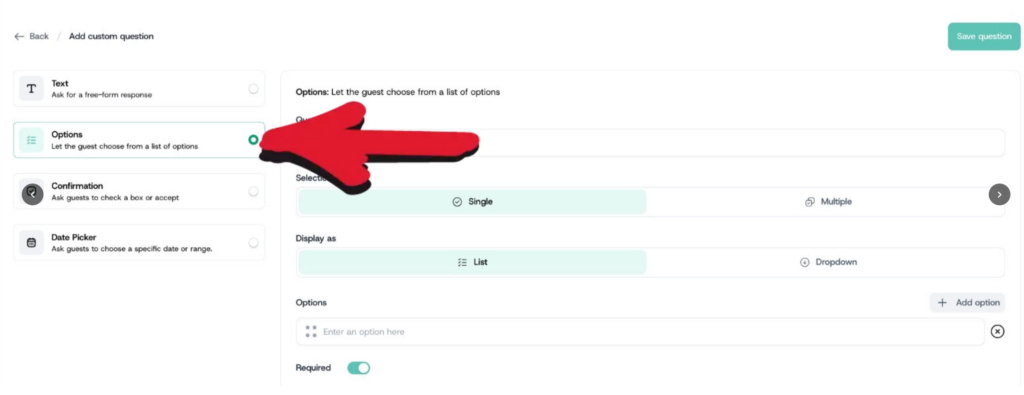
- Enter your question.
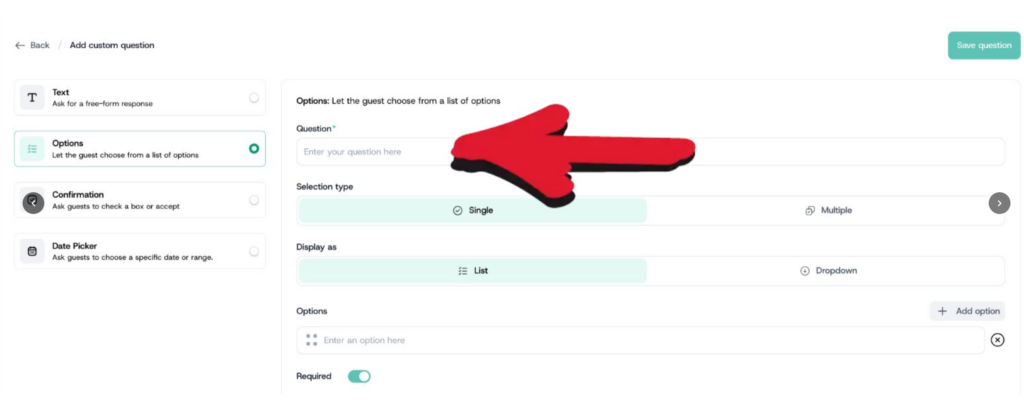
- Select the selection type: choose Single if you want attendees to pick only one answer, or Multiple if they can select more than one
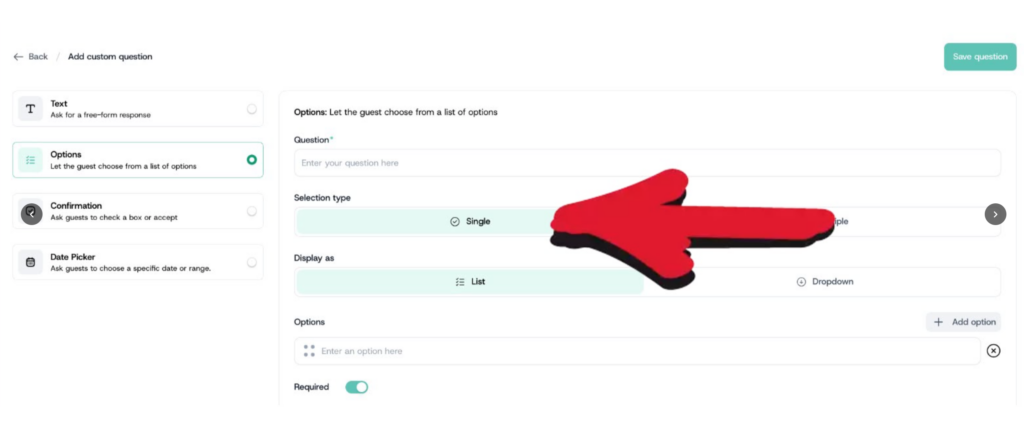
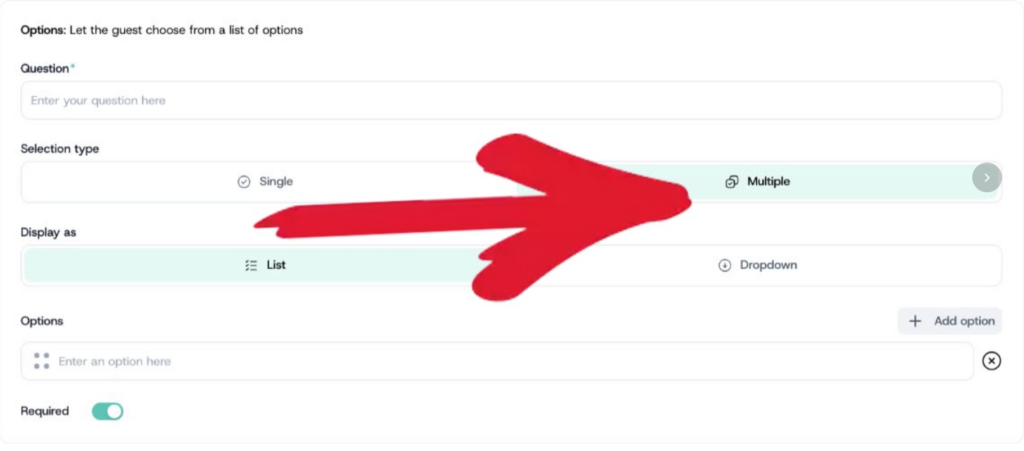
- Choose how the options are displayed: List shows all options expanded on screen; Dropdown collapses them into a menu attendees click to open.
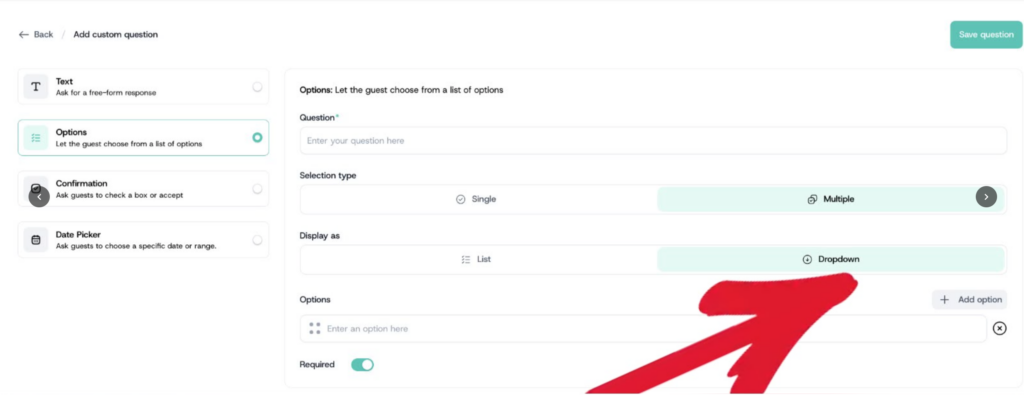
- Toggle Required on or off, then click Save Question.