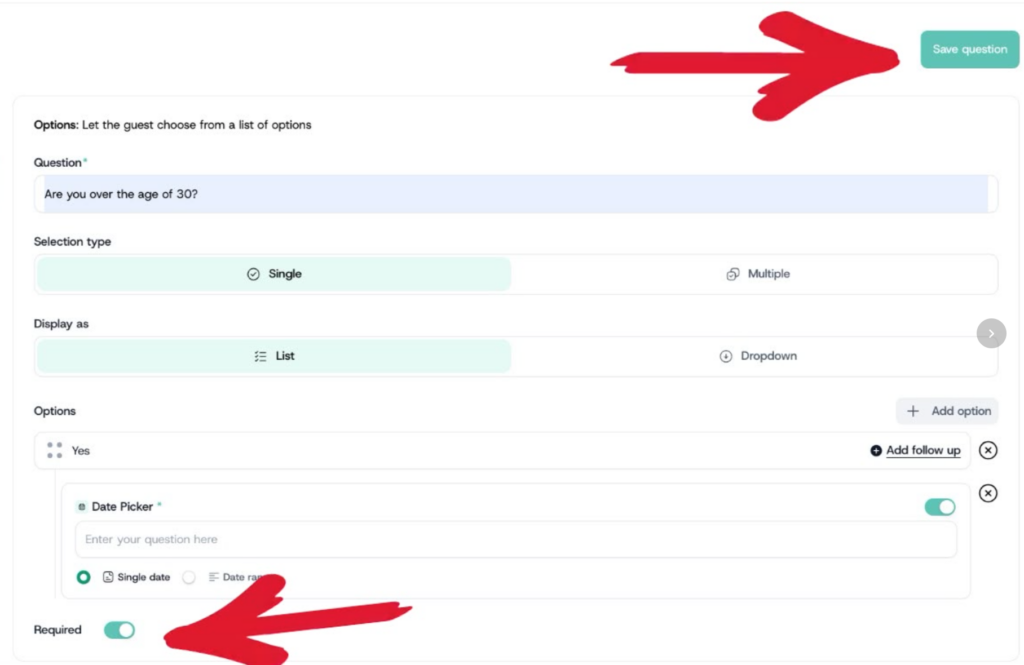
Follow-up questions are only available on Options fields set to Single type. They allow you to show an additional question only when an attendee selects a specific answer — keeping the form clean and relevant for each attendee.
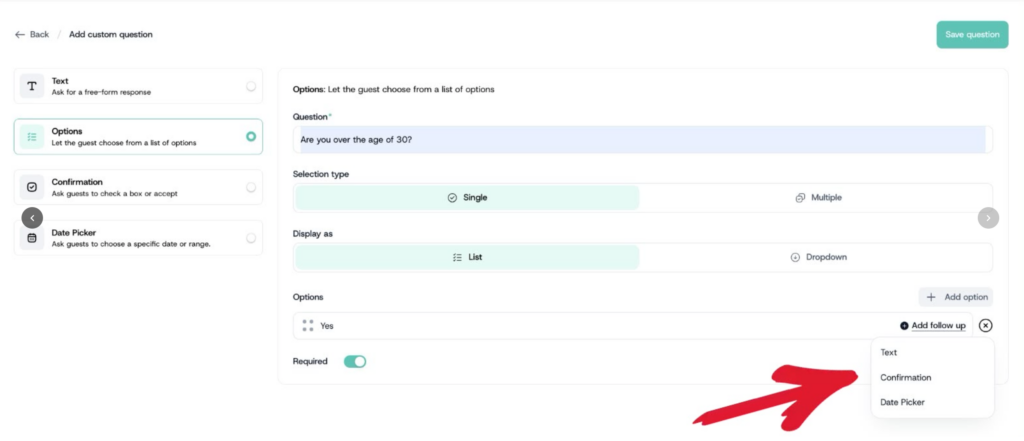
- After saving an Options field (Single type), return to the question and click Add Follow-Up on the specific answer you want to attach a follow-up question to
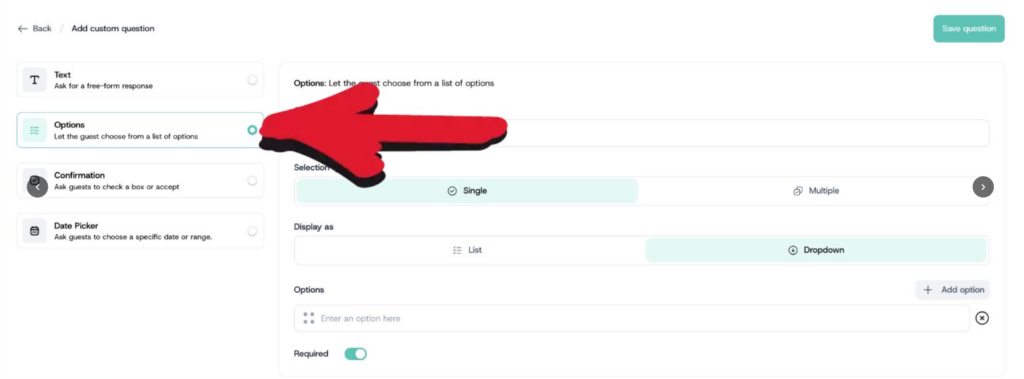
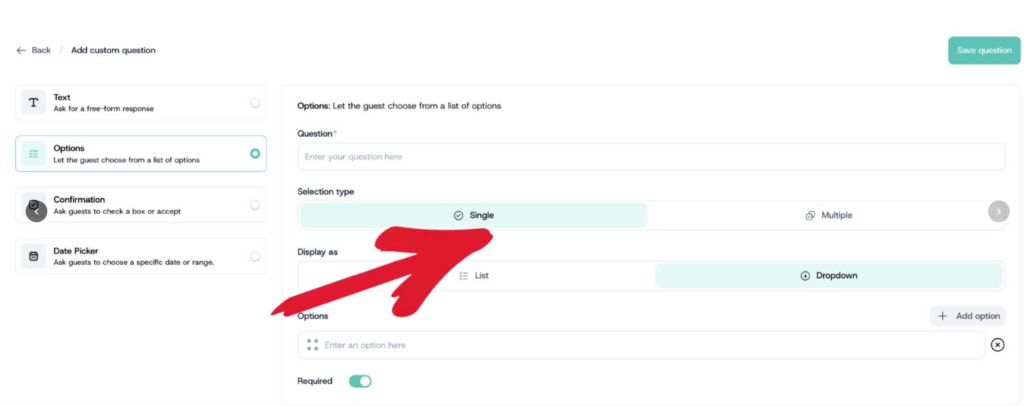
- Select the follow-up field type: Text for a written response, Confirmation for an acknowledgment, or Date Picker for a date selection.
- Enter the follow-up question or statement depending on the type chosen
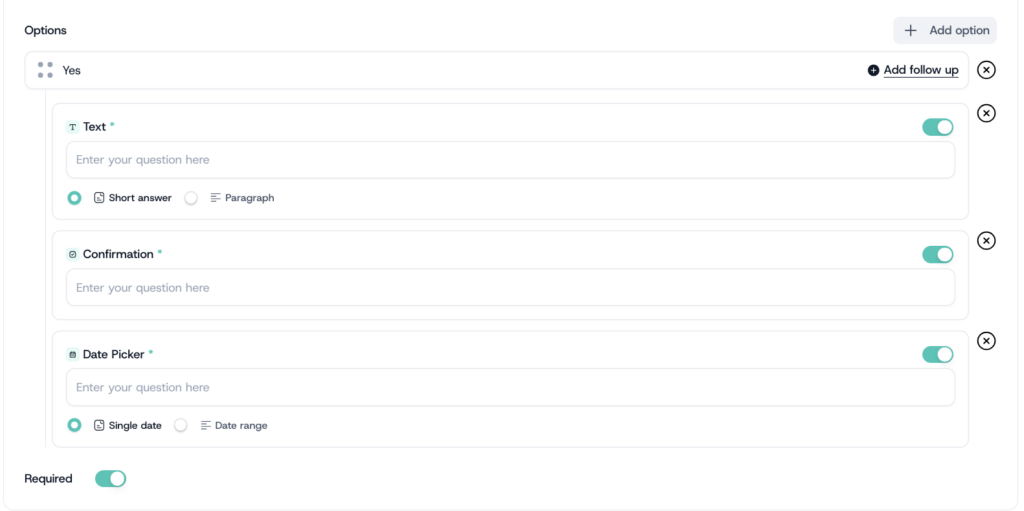
- For Date Picker follow-ups, also select Single Date or Date Range as the response type.
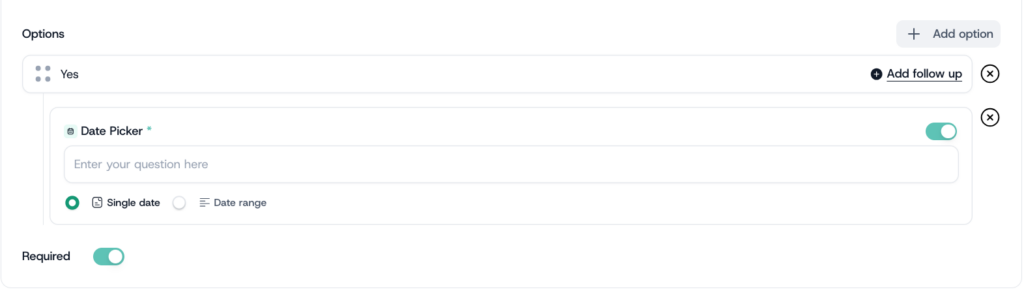
- Toggle Required on or off, then click Save Question.