i) Creating a customer
ii) Editing a customer
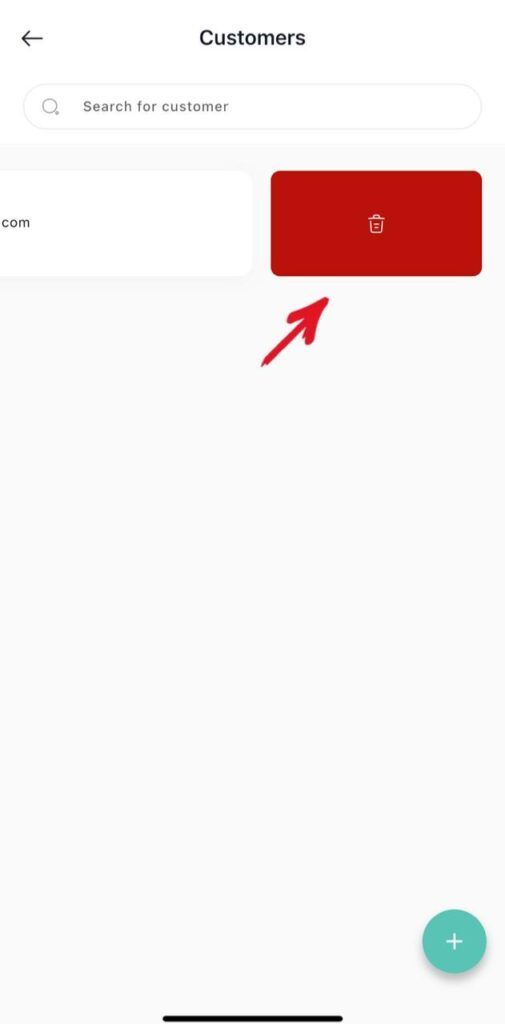
iii) Deleting a customer
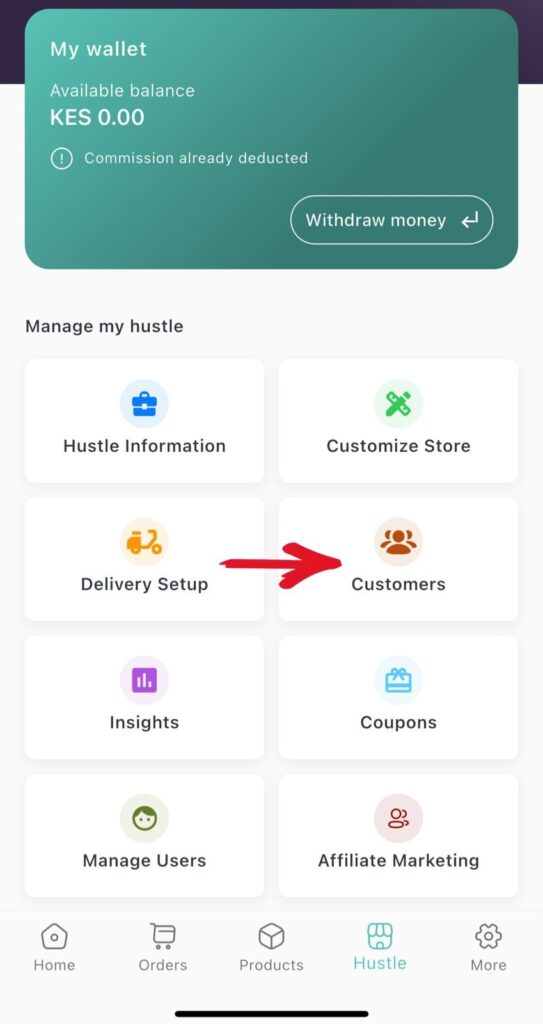
1.From the tab Hustles on homepage click customers
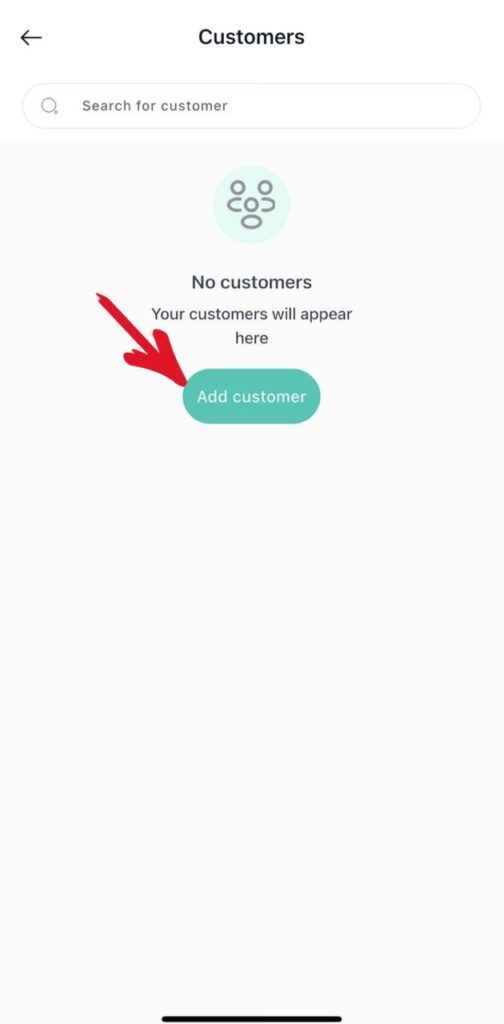
2. Click Add new customer
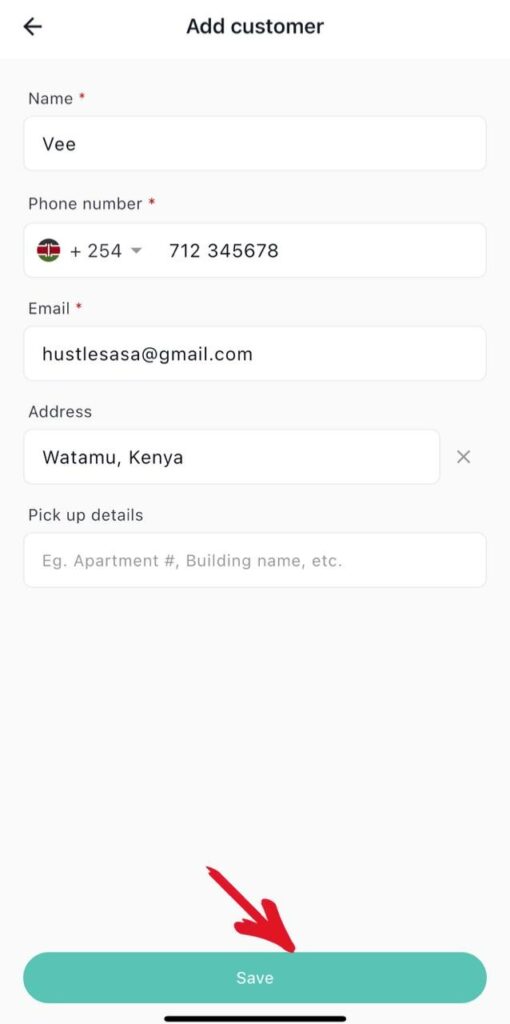
3.Create the customer
i)Enter the customers name
ii) Customers phone number
iii)Customers email
iv)Customers address
v) Then click save
vi) Customer successfully created.
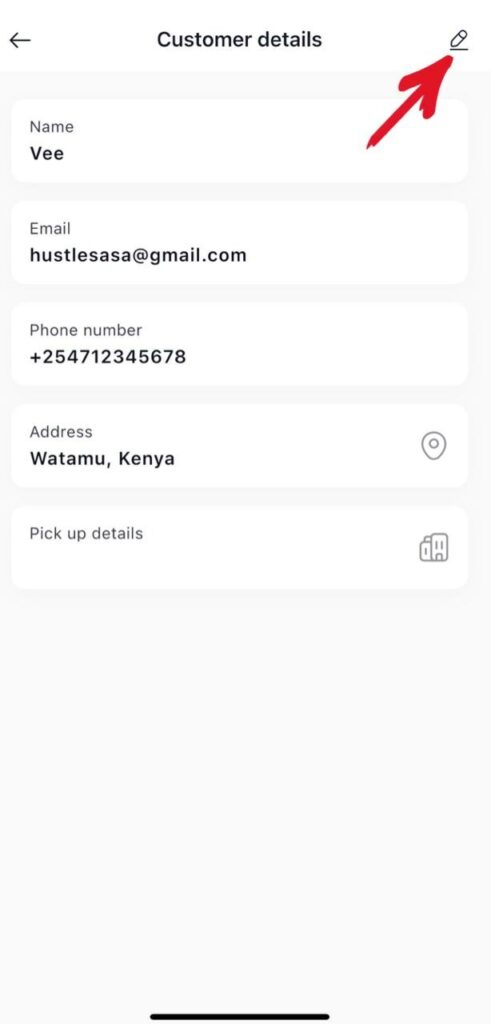
4.Editing a customer
i)Click on the customer
ii) Then click the edit button
5. Deleting a customer
i) Swipe left on the customer to delete.