i) Creating a coupon
ii) Editing a coupon
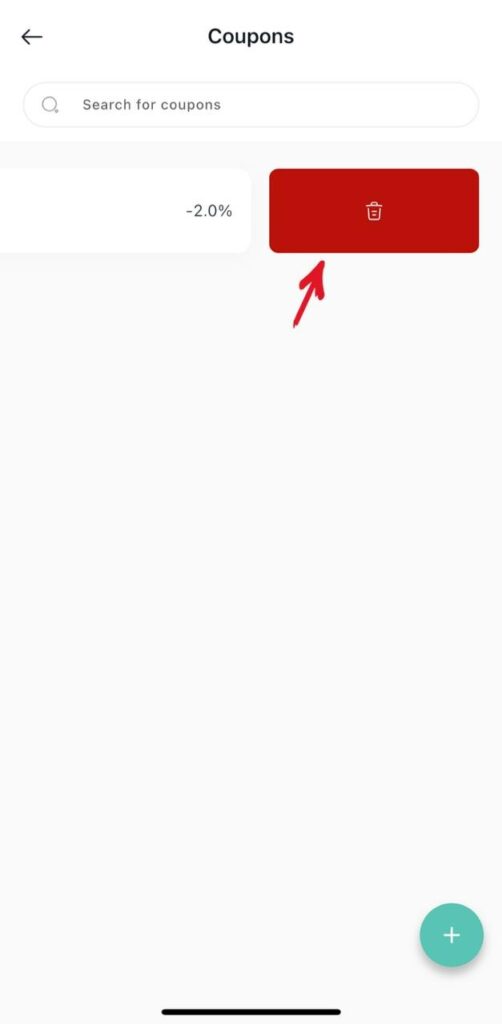
iii) Deleting a coupon
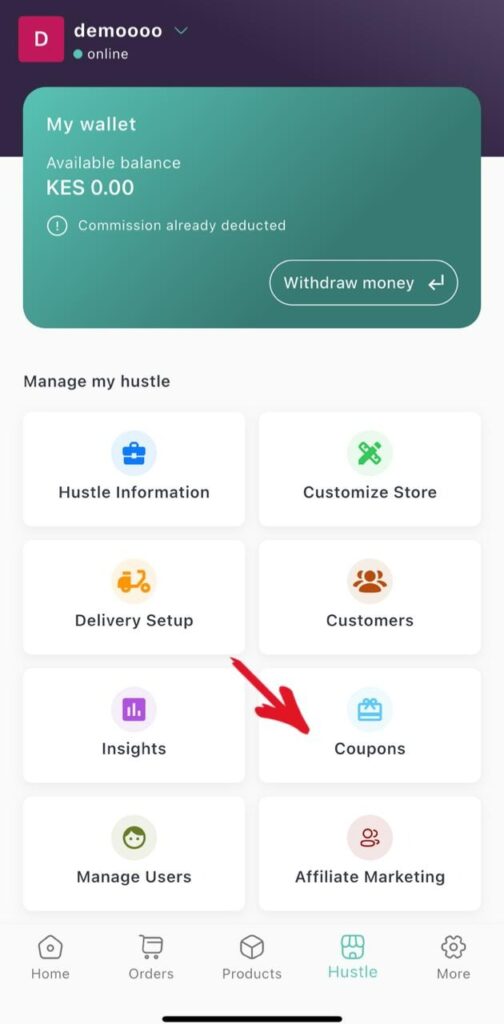
1.From the tab Hustles on homepage click Coupon
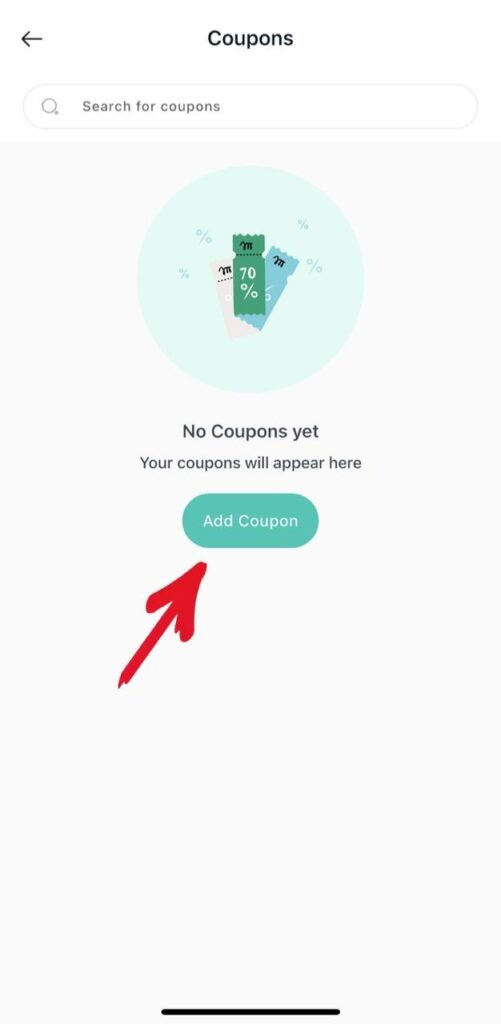
2.Click Add coupon.
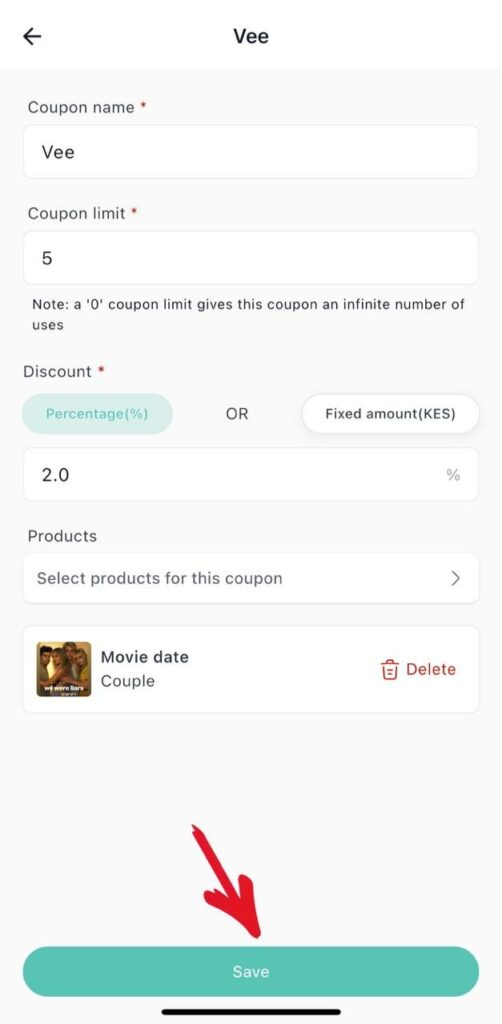
3.Create the Coupon code
i)Enter coupon name
ii)Enter coupon limit
iii)Enter the coupon discount either percentage or fixed amount
iv)Select a product for the coupon
v)Then click save.
vi) Your coupon code has been created successfully
4. Editing a coupon
i)Click on the coupon code to edit any details
5. Deleting a Coupon
i) Swipe left on the coupon to delete it.